FREE Ready

EXCLUSIVE TEKKZ

Train. Measure. Improve the next rep.

Technique feedback from the phone you already own. ET shows the most useful cue first, then keeps the deeper numbers one tap away.
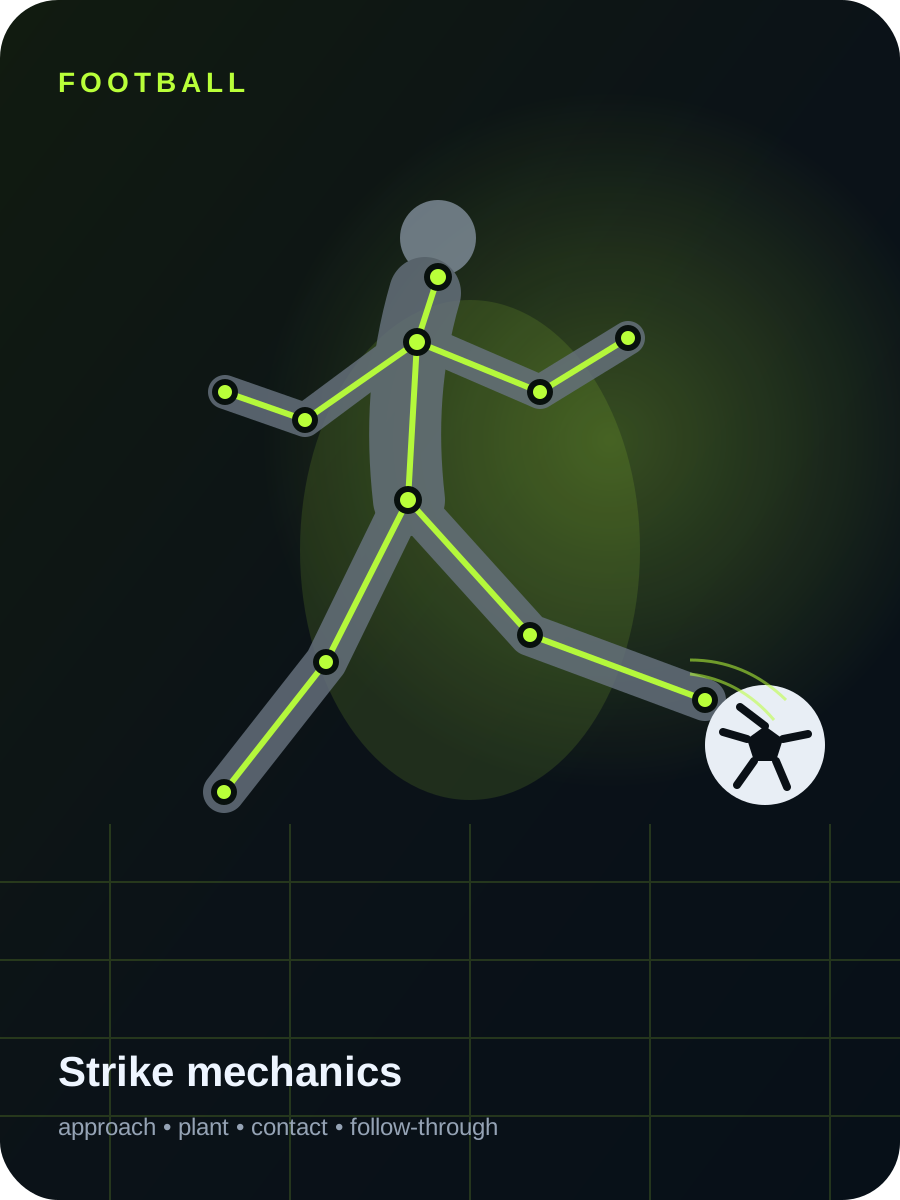
Stylised football strike analysis with ET body landmarks
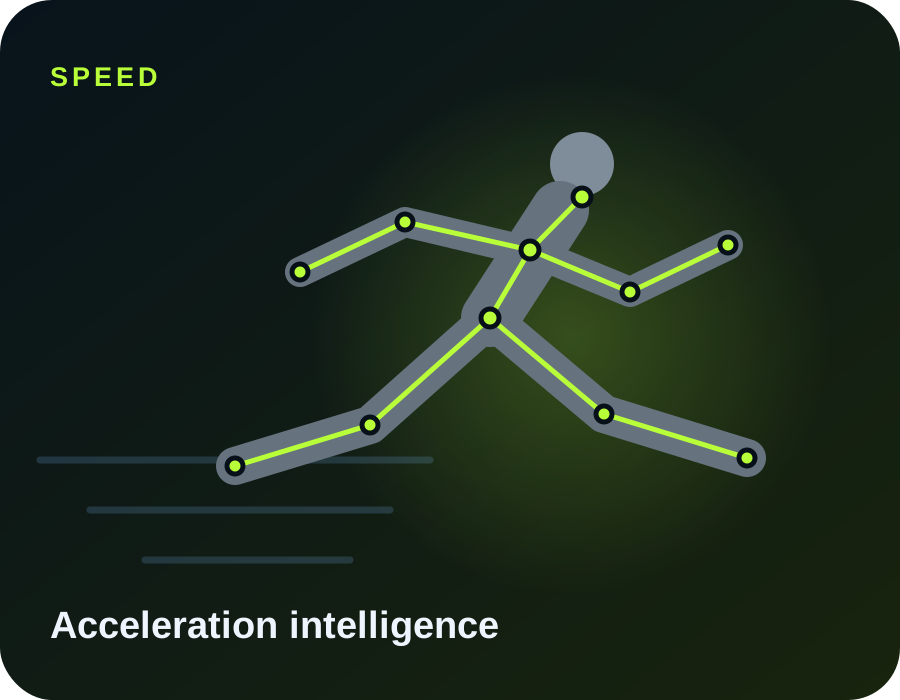
Stylised sprint acceleration analysis with ET body landmarks
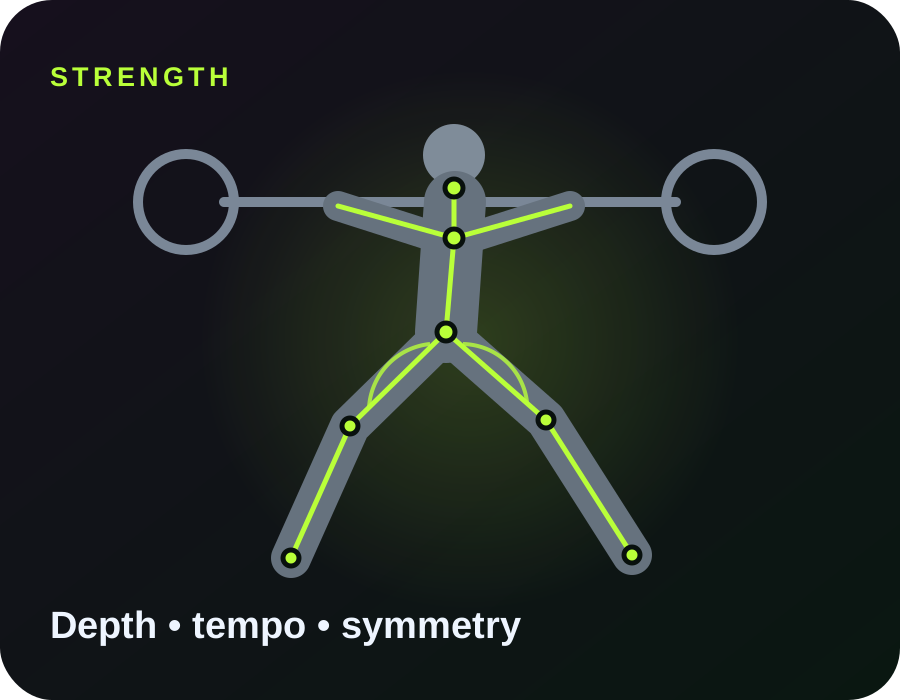
Stylised barbell squat analysis with ET angle landmarks
Personal signal -- Build your baseline

120 MOVEMENTS · FREE CORE ANALYSIS

Choose it. Film it. Improve it.

Every movement in ET can be analysed on Free. You get the most useful result first; deeper personal intelligence sits in Pro and professional controls in Coach.

WHAT ET SEES

A whole movement, translated into one useful answer.

ET follows body landmarks frame by frame, then turns joint positions, timing, range, rhythm and visible left-right changes into simple training feedback. Tap the body to explore what sits underneath the headline result.

33tracked body landmarks
120movement analyses
Frame-by-frametiming + position signals
SHOULDERS Position + control

Tracks shoulder position alongside the hips and arms to describe pressing, pulling and upper-body control.

ET measures visible movement and timing. Selected Pro movements can also show an experimental Force Estimate β - never presented as a force-plate measurement.

TODAY

0analysed reps

BEST RECENT

--No reps yet
01
Personal, not rigid

ET learns how you move and compares change against your own history instead of pretending every body should look identical.

02
Ready before you move

Live set-up checks tell you when the athlete is visible, key joints are clear and the framing is usable.

03
One useful answer first

No dashboard required. Get the rep result and next action instantly, then open the deeper numbers only when you want them.

PLANS

Start free. Go deeper when it earns its place.

All 120 movements stay usable on Free. Pro adds personal intelligence and hands-free coaching; Coach adds professional controls without forcing a client-management portal on you.

FREE

ET Free

Current

£0 forever

  • 120 movement analyses
  • Core rep feedback + key metric
  • Front/rear camera
  • Smart set-up checks
  • Smart Capture β on selected movements
  • Branded social sharing
COACH

ET Coach

£14.99 / month target

  • Everything in Pro
  • Measurements-only mode
  • Coach-defined reference ranges
  • Multiple athlete profiles
  • Professional share summaries

ET Free works immediately. Pro and Coach upgrades use secure Stripe checkout and follow your ET Cloud identity across devices.

MOVEMENT LIBRARY

120 movements, one simple workflow

Football, gym, calisthenics, athletics and mobility. Free users get core analysis on every movement; ET keeps deeper metrics and long-term personal intelligence one level down.

HOW IT WORKS

Useful coaching, not a wall of numbers.

1Film the rep

Keep the important joints visible and follow the movement-specific camera guide.

2ET tracks the movement

Landmarks are measured frame by frame. Low-confidence points are not treated as precise.

3Get one priority

The result screen leads with the change most likely to matter on the next rep.

4Dig deeper when you want

Open the full analysis for angles, timing, quality notes and measurement definitions.

Your footage stays local by default. ET analyses video in the browser and does not upload training videos through ET Sync. Profile and history stay on your device unless you choose cloud backup. Optional health context is only used when you explicitly switch it on.

ANALYSE A MOVEMENT

Shooting analysis

Approach → strike → follow-through

What matters today?Optional - ET uses this to prioritise what it shows you.
Camera ready when you are Keep the full movement visible and follow the set-up guide below.
Waiting for athlete Precision view
Athlete Tracking Framing
READYYour next rep appears hereET shows the important bit first.
Latest--
Best set-up
    LATEST REP Waiting

    No rep analysed yet.

    Start the camera or upload a video. ET will show the most useful observation first.

    LIVE READ

    Current movement

    Tracking quality--
    Foot speed--
    Torso angle--

    PROGRESS

    Training history

    Your stored analyses and developing MovementDNA.

    PERSONALISE ET

    Athlete profile

    A little context helps ET make more relevant recommendations. Health information is optional.

    About you

    Optional health context

    Only switch this on if you want ET to use this information when wording training recommendations.

    ET can make a cue more cautious when you provide restriction context. It does not diagnose injuries, prescribe treatment or replace a clinician.

    Help improve ET

    Optional. Share anonymous movement measurements and whether you found ET's feedback useful. Raw training videos are not included.

    KEEP YOUR DATA

    Backup & move devices

    Your profile and analysis history can stay with you when you change phones. Training videos are not included.

    Checking cloud backup…

    Instant device transferWorks even when cloud backup has not been enabled on the website yet.
    File backupDownload a copy or import it on another device.

    PRIVACY CONTROLS

    Your data, your choice

    Delete local profile/history at any time. If cloud backup is connected, ET will also try to delete the encrypted cloud copy.

    SET-UP GUIDE

    Best video for analysis

    EXCLUSIVE TEKKZ HELP

    How to use ET

    Best rule: make the athlete easy to see. A fixed camera, good light and full-body framing improve almost every measurement.

    Quick start

    1. Choose a movement.
    2. Use the camera or upload a video.
    3. Follow the set-up guide for that movement.
    4. Let the full rep play through.
    5. Use the main cue first. Open Full analysis only if you want the deeper numbers.
    Why can an 83° knee angle still mean I am deeper than 90°?

    ET now shows knee bend as the easy-to-read number: 0° means straight and the number rises as the knee bends. The technical joint angle is the opposite convention: roughly 180° is straight. So a technical joint angle of 83° corresponds to about 97° of knee bend.

    Portrait or landscape?

    Squats and most stationary lifts work well in portrait or landscape. Sprint timing and football shooting usually benefit from landscape because the athlete travels horizontally and more space must stay visible.

    Can I upload TikTok, Instagram or edited videos?

    Yes for broad movement analysis if text and stickers do not cover important joints. Original camera footage is better because social apps can reduce frame rate, resolution and image quality.

    Can a drone or moving camera analyse sprint speed?

    Not reliably with simple two-point calibration. Choose moving-camera mechanics mode. ET will analyse body positions but withhold world speed and split time instead of giving a misleading number.

    How accurate are the angles?

    Angles are estimates from detected body landmarks. ET uses 3D world landmarks where available, chooses the better-visible leg for side-on squat analysis and smooths several frames. Camera angle, baggy clothing, occlusion and poor lighting can still shift the result.

    Why does the skeleton sometimes look slightly off?

    The lines join predicted joint centres, not the outside edge of your body. If a joint is hidden by clothing, another leg or equipment, the model may infer its location. ET now avoids relying heavily on low-confidence joints.

    Does ET diagnose injuries?

    No. Optional injury context only helps ET avoid giving an obviously inappropriate training cue. Pain, injury, rehabilitation and return-to-play decisions should be handled with a qualified professional.

    Where are my videos stored?

    ET analyses selected footage in your browser in the current app. Training videos are not uploaded by ET Sync. Your browser may still request the pose model and other website assets from their hosting providers.

    Can I rewind or scrub an uploaded video?

    Yes. ET gives each detected rep or football event a timestamp window. Pausing, rewinding, dragging the timeline and replaying an already-analysed section puts ET into review behaviour - it does not append the same rep again. Use Re-analyse clip only when you intentionally want ET to clear that clip's detections and run it again.

    What does a left-right difference in degrees mean?

    ET now names the joint explicitly. For example, peak knee-bend difference 21° means the largest visible gap between left and right knee bend during that rep. It does not mean your shoulder or torso is leaning 21°. Tap the metric to see which side was more bent and how trustworthy the comparison was.

    Can I use kg or lb?

    Yes. The load box has its own kg/lb switch and ET remembers your preference. ET also clarifies whether the number means total barbell load, each dumbbell, an added load, or a selected machine load.

    What is Smart Capture β?

    On selected movements such as handstands, pull-ups, push-ups, bodyweight squats, pistol squats, jumps and conventional deadlifts, ET can isolate the detected attempt from a longer local recording. It only auto-creates a Smart Clip when tracking confidence is high. Medium-confidence detections require confirmation and low-confidence detections are withheld. Replaying or scrubbing a Smart Clip never creates extra reps.

    What is Force Estimate β?

    On a small number of supported squat movements, ET Pro can show an experimental estimate of peak vertical support force using your body weight, entered external load, video timing and smoothed vertical body motion. It stays inside Full analysis and never changes the headline coaching result. It is not a force-plate measurement, and ET withholds it when the capture does not pass its quality checks.

    Why can a free kick be harder to detect than a squat?

    A football strike is a one-off event rather than a simple repeated joint cycle. ET's free-kick mode now waits for a set-up, committed approach, strike-speed peak and follow-through before logging the attempt. Keep the ball area, plant leg and striking leg visible for the best result.

    Why does cloud backup say it is not available?

    The website deployment needs its ET cloud database connection switched on. Until that is configured, use Instant device transfer or Download my data - both work without cloud storage.

    Are all 120 movements free?

    Yes. ET Free includes core analysis across all 120 movements. Pro adds Voice Coach, deeper metrics, personal baselines, longer history and comparisons. Coach adds professional controls.

    Why does ET compare me with my own baseline?

    People move differently. ET uses reference information carefully, but after enough usable reps it also shows how today differs from your own recent movement history instead of assuming one rigid shape fits everybody.

    Can I use the selfie camera?

    Yes. Front camera mode mirrors the preview so it feels natural when training alone. Rear camera is still preferable when you need maximum image quality or the athlete is further away.

    Will Voice Coach work while I listen to music?

    Usually the phone can play ET feedback while music is running, but the exact behaviour depends on the browser, headphones and operating system. Use the Voice Coach audio test with your normal music before training.

    PRO FEATURE

    Voice Coach

    Hands-free feedback that stays short enough to train through.

    READY--

    Start training. ET will update this after each rep.

    120 movements. One useful answer first.

    METRIC EXPLAINER

    Understanding this metric

    IN SIMPLE TERMS

    WHAT ET MEASURED

    HOW TO USE IT

    CONFIDENCE

    EXCLUSIVE TEKKZ

    ET Pro

    Checkout is connected in the next Stripe step.

    Secure billing

    Connect ET Cloud once, then upgrades follow your ET identity across devices. Stripe handles payment details securely.